

About
It's time to get Crazy once more as the yellow cab returns to terrorise the streets of America!
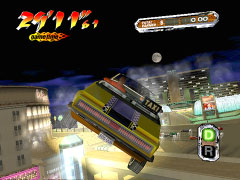
Trade in those fuzzy dice for the real thing, baby! the original king of crazy driving is hitting Glitter Oasis. "Crazy Taxi 3" brings breakneck speed and wild automotive action to America's Playground!
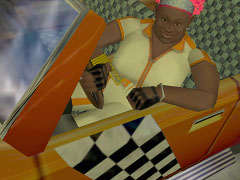
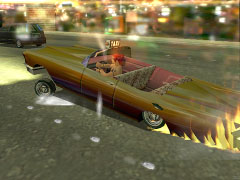
Get behind the wheel with one of four new characters, each with their own trademark attitude and a new set of wheels. Throw out the rules of the road to make it big, with wackier customers, devious shortcuts and even crazier driving moves.
Cruise around popular locations in and around the city on a quest to amass the highest amount of tips. Whether it's making crazy money in Glitter Oasis, conquering the new batch of mini-game challenges or trying out new tricks in the old stomping grounds of the West Coast and the Small Apple.
"Crazy Taxi 3" guarantees the best odds to beat the house.
Features:
- All-new addictive mini-games
- Four wild new cabbies and vehicles
- Tons of group customers
- Over-the-top hotel destinations